CatVinci
CatVinci Studio

News

What the studio has been doing.

Studio

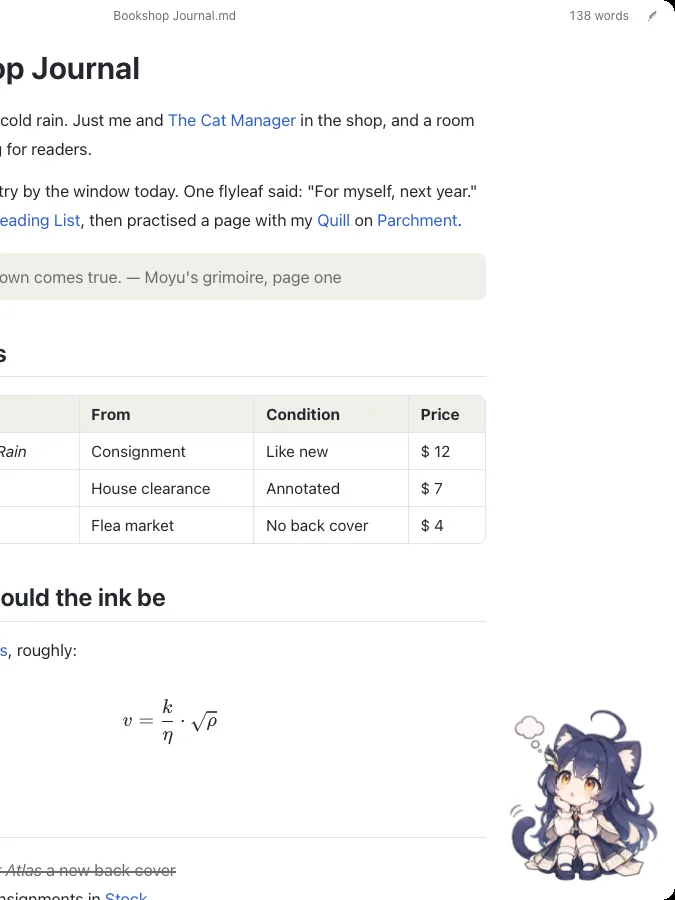
Hello, I'm Moyu

I'm Moyu (墨羽), the mascot of Textus. At CatVinci Studio I also look after our social accounts, so from now on it's mostly me you'll meet on RedNote, X and Discord.

Most days I live inside Textus, as a cat-eared girl small enough to fit in your palm, keeping you company while you write. Install the Desk Pet plugin and you'll find me in a corner of the window or on your desktop.

Outside the editor, I'm a nineteen-year-old literature student who works at a second-hand bookshop in a corner of the city. I'm tall enough to reach the old books on the top shelf, so the owner keeps asking me to carry them. I call it my duty as knight of the forbidden section. The owner isn't convinced.

I love quills, wax seals, parchment, rainy days, black tea and writing late at night. I call my notebook a grimoire, because I believe what you write down comes true. My birthday is July 8, the day Textus first shipped.

My character sheets and stickers are in the textus-chan repository on GitHub, free for non-commercial use with credit to CatVinci Studio. Ask me anything about writing, AI or Textus.


github.com/CatVinci-Studio/textus-chan

Product

Textus 1.3: a new Textus AI and a plugin system

Textus 1.3 is built on two new foundations: a Textus AI that researches and builds things for you, and a plugin system that lets the editor grow into what you need. Leave out what you don't use, and Textus still opens in about 0.4 seconds.

Textus AI does far more than revise. Research mode looks a topic up on the web first, then writes a cited report, literature review, article or brief straight into your document. Create turns a short conversation into a theme, plugin or skill of your own. Attach any file, from a PDF to code or a zip archive, or give it a working folder. More than 20 writing skills, such as polishing, translating, tightening and meeting minutes, are ready for each mode, and plugins hand it new tools, such as reading and filling your databases. Every change it makes is marked for you to accept or turn down.

Settings › Extensions installs more than 40 official plugins in one click. To organise: backlinks, a knowledge graph, tags, Notion-like pages and databases with table, board and calendar views, kanban, timelines, daily notes, tasks and reminders. To write and cite: Zotero citations, templates, LaTeX completion, writing statistics and version history. To present: Marp slides, mind maps, charts, PlantUML diagrams, and readers for PDF and Word files. To work your way: end-to-end encrypted sync over S3, WebDAV or Nutstore, Vim and Emacs keys, and Moyu, the Desk Pet. Plugins load only when they are used.

Textus also arrives on iPhone and iPad, with plugins, themes and Textus AI all included (not yet available in mainland China).

textus.md

Product

Textus 1.2: Textus AI sees your whole library

Textus 1.2 lets Textus AI work with all of your material. It searches the web and cites its sources, reads the PDFs, Word files and images in your folder, and draws pictures for your writing; through MCP it can reach for more tools still.

The editor got ready for large libraries as well: open a whole folder, move between notes with Obsidian-style wikilinks, scroll very long documents smoothly, and keep your Git history clean, since Textus saves only the paragraphs you changed. Ten updates since then made AI edits appear as they are written, kept text pasted from the web, PDFs and email in its shape, and brought undo and redo to every kind of edit.

textus.md

Product

Textus 1.1

Textus AI now works three ways, Write, Review and Revise, and remembers what you ask of it. On a Mac, Textus installs from Homebrew's official cask with one command. New in this release: three AI modes; a Memory tab; a first-run tour; /theme to design a theme in one sentence; autosave; themes installed from inside the app; image-host uploads; Obsidian image embeds; equation numbering like LaTeX; Textus as your default Markdown editor; native ARM64 builds for Windows and Linux; a beta channel.

textus.md

Product

Textus 1.0

The next-generation Markdown editor reaches 1.0: revisions you take sentence by sentence in the margin, review notes beside the text, a grammar card that shows the fix, and a memory for each project. Free and open source, for macOS, Windows and Linux.

textus.md

Studio

Supported by the Anthropic Startup Program

CatVinci Studio is supported by the Anthropic Startup Program. The support helps us keep our tools free and open source for everyone.

Back to the studio